Flipkart pays you a single amount, but that amount is the result of dozens of additions and deductions on every order. If you only check that “money came in”, small leaks — wrong weight slabs, double-charged returns, missing payments — quietly eat into your margin. Reading the settlement report properly is how you catch them.
Where to find the reports
In Seller Hub, go to the Payments section. You’ll find settlement and transaction reports you can download for any date range. For a proper reconciliation, also download:
- your orders report (what you actually sold and shipped),
- the returns report (customer returns and RTO), and
- any non-order charges, such as ads or storage, which often sit on a separate sheet.
How one order’s payout is built
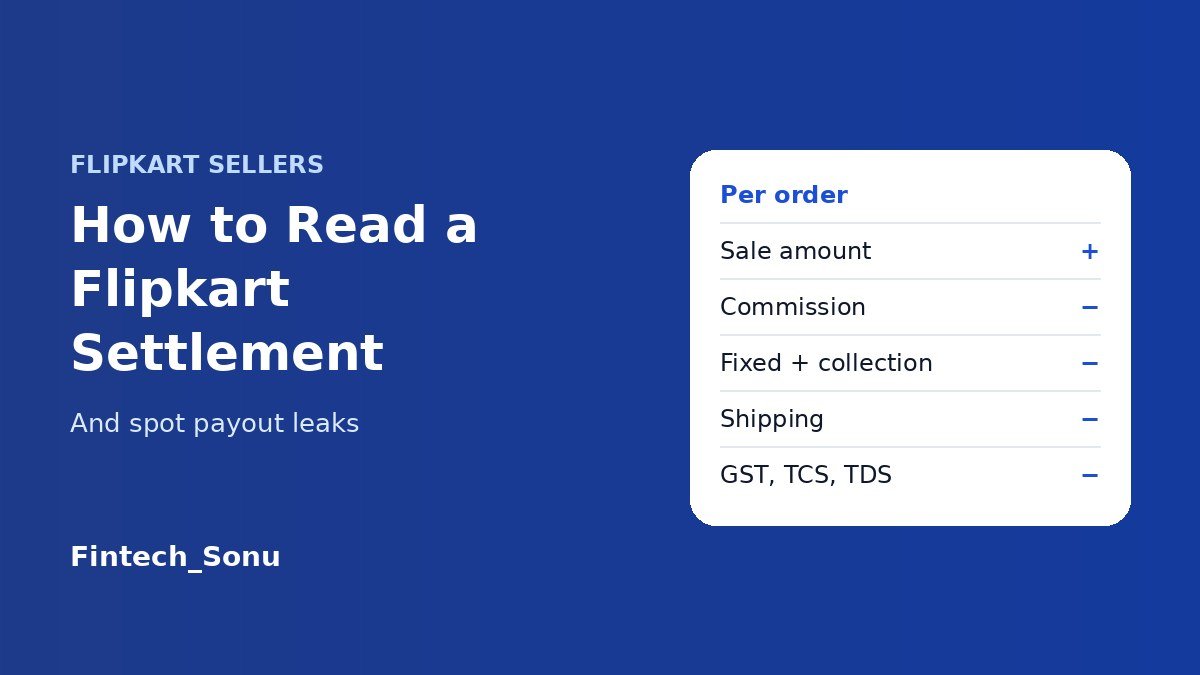
For every order item, the settlement works roughly like this:
| Line | What it is |
|---|---|
| Sale amount | What the customer paid for the item, including GST |
| − Commission | Percentage of the sale; 0% on many items under ₹1,000 and on fashion |
| − Fixed fee | A per-order fee that depends on price slab and your seller tier |
| − Collection fee | Payment processing; usually higher for cash-on-delivery |
| − Shipping fee | Based on weight (actual or volumetric, whichever is higher) and delivery zone |
| − GST on fees | 18% on all the fees above — claimable as input tax credit |
| − GST TCS and TDS | 0.5% and 0.1% statutory deductions — claimable as credit |
| = Settlement value | What reaches your bank for that item |
A five-step monthly check
- Match bank credits. Total the settlement amounts for each payout date and match them to the deposits in your bank statement.
- Match orders. Every delivered order in your orders report should appear in a settlement. Flag any that don’t after the normal payment cycle.
- Check fees per order. Compare commission, fixed fee and shipping with your rate card. Pay special attention to the weight slab — one wrong slab across hundreds of orders is expensive.
- Check returns. For each return, make sure the refund, the reverse shipping charge and any fee reversals are correct, and that the item actually came back to your inventory.
- Raise claims. For wrong charges, lost returns or missing payments, raise a ticket or claim in Seller Hub quickly — Flipkart has time limits for claims.
Leaks we find most often
- Weight disputes — orders charged at a higher slab than the real packed weight.
- Returns not received — refund given to the customer, but the product never reached your warehouse.
- Fee charged on cancelled orders.
- Ads and other charges deducted from payouts but not booked in your accounts.
- TCS and TDS never claimed on the GST and income-tax portals.
Book it right in your accounts
Record the full sale value as revenue, and each fee as an expense with its GST as input credit. Book TCS and TDS as receivables, not costs. If you only book the net amount received, your sales, GST returns and margins will all be understated.
Want to check whether a payout looks right before you dig into the report? Use our free Flipkart payout calculator to estimate what one order should pay.
Fee names and report layouts in Seller Hub change from time to time. This guide describes the general structure; always check your own rate card and reports.
Don’t have time to reconcile every settlement? We reconcile Flipkart, Amazon and Meesho payouts every month — orders, fees, returns and bank credits — and raise claims for you. Talk to us on WhatsApp.