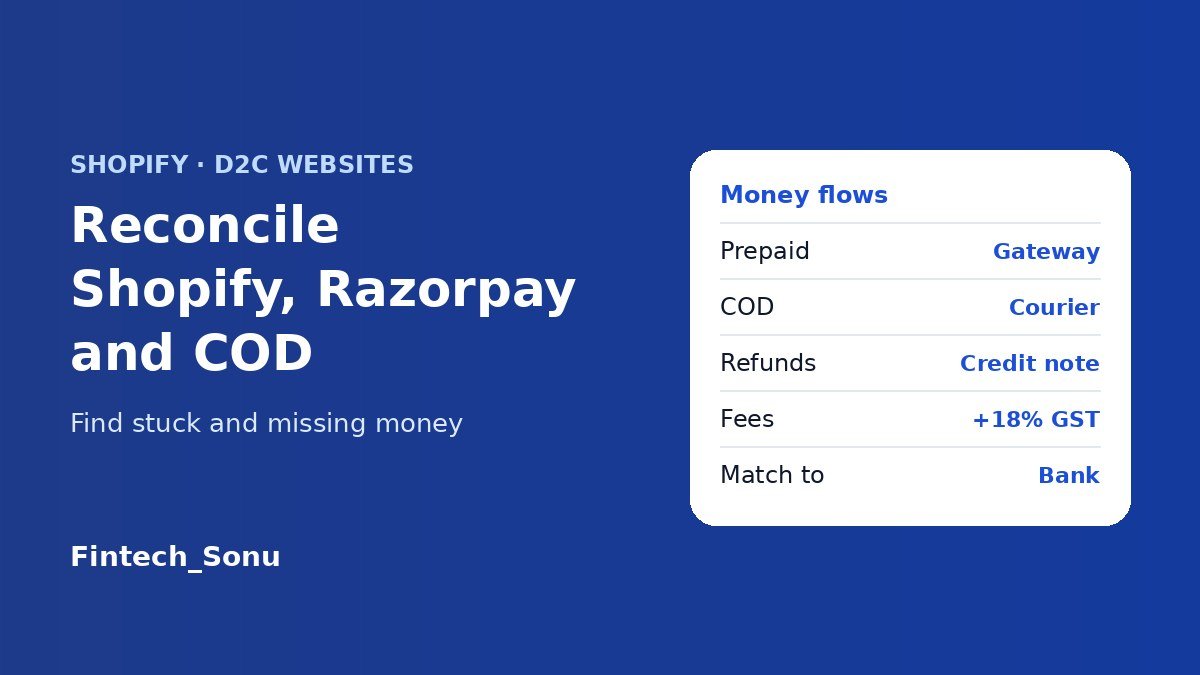
On your own Shopify store, money reaches you through several routes: prepaid orders through a payment gateway like Razorpay, cash-on-delivery orders through your courier partner, and refunds going back out. Each route takes a different cut and pays on a different schedule. If you don’t reconcile them, you can lose money without noticing.
The three money flows
| Flow | Who pays you | What gets deducted |
|---|---|---|
| Prepaid orders | Payment gateway (Razorpay, Cashfree, PayU, etc.) | Gateway fee + 18% GST on the fee |
| COD orders | Courier or shipping aggregator | COD handling charges, shipping, and sometimes RTO charges |
| Refunds | You pay the customer | Usually from the gateway or your bank |
Step 1: Start from Shopify orders
Export all orders for the month from Shopify, with order number, date, amount, payment method (prepaid or COD) and status. This is your master list — every order should end up either paid, refunded or cancelled.
Step 2: Match prepaid orders with gateway settlements
- Download the settlement report from your payment gateway.
- Match each payment to a Shopify order using the order or payment ID.
- Check that the fee and GST deducted match your agreed rate.
- Match each settlement batch to the credit in your bank.
- Look for payments captured but not settled, and settlements with no matching order.
The gateway issues a tax invoice for its fees. Book it as an expense and claim the GST as input tax credit.
Step 3: Match COD orders with courier remittances
- Download the COD remittance report from your courier or aggregator.
- Match each delivered COD order to the amount remitted.
- Flag orders marked delivered but not yet remitted beyond the agreed cycle.
- Check COD charges, shipping and RTO charges against your rate card.
- Make sure RTO orders are reversed in your books and the stock came back.
Step 4: Match refunds
- Every refund in Shopify should have a matching refund in the gateway or your bank.
- For each refund, issue a credit note so your sales and GST are reduced.
- Check that returned products actually came back to stock.
Step 5: Book it correctly in your accounts
- Book sales at full value, not the amount received after fees.
- Keep a separate receivable ledger for each gateway and each courier.
- Book gateway fees, COD charges and shipping as expenses, with input GST.
- At month end, each receivable ledger should equal the money still due to you.
Leaks we find most often
- COD amounts held by couriers for weeks longer than agreed.
- Delivered COD orders that were never remitted.
- Gateway fees higher than the agreed rate.
- Refunds paid twice — once by the gateway and once manually.
- RTO orders still counted as sales.
Selling on marketplaces too? Read our guides on Flipkart settlements and Amazon reconciliation.
Report names and settlement cycles differ between gateways and couriers. This article is general guidance.
COD money stuck somewhere between your courier and your bank? We reconcile Shopify, payment gateways and COD remittances every month. Talk to us on WhatsApp.